Your screen
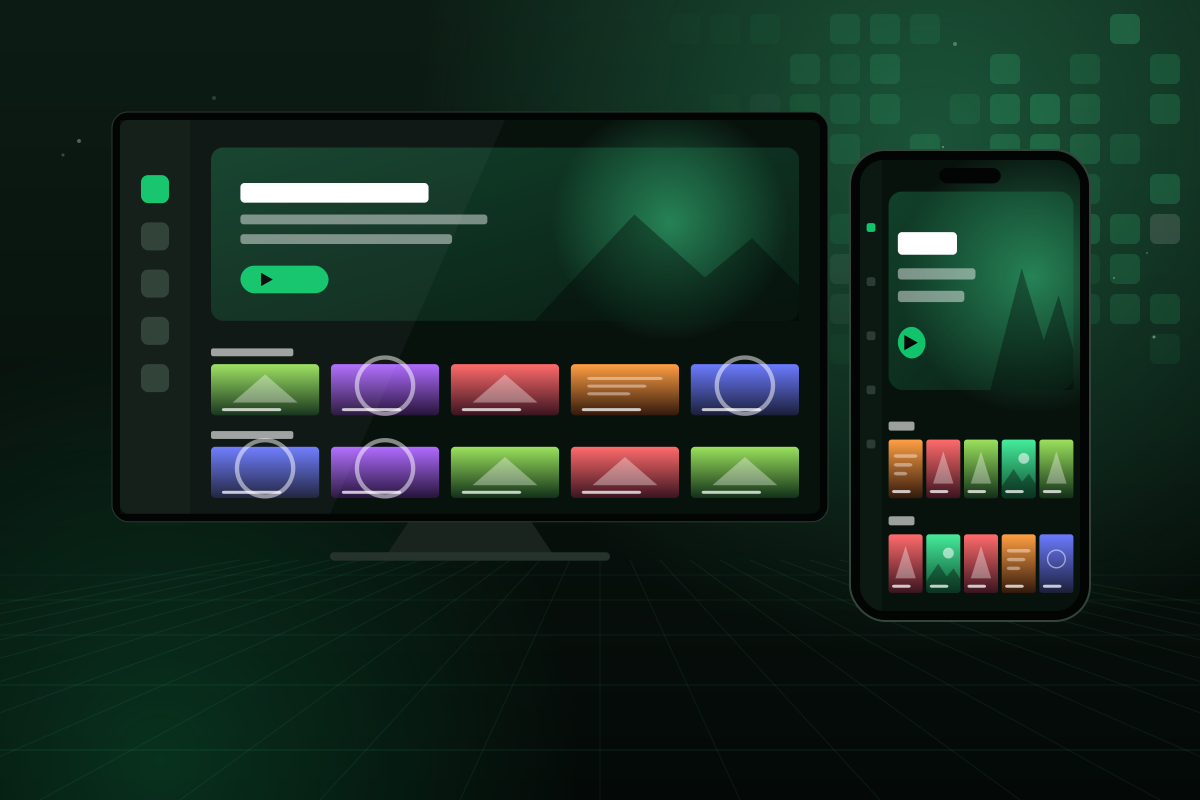
Check that the player installs and runs smoothly on your TV, stick, box or phone.
Free trial
See Pixlar8k on your own TV and internet first. Send one WhatsApp message with your device and your state, and we will set up a short free trial for you.
What to check
A trial only helps if you test what matters to you. Use this short checklist.
Check that the player installs and runs smoothly on your TV, stick, box or phone.
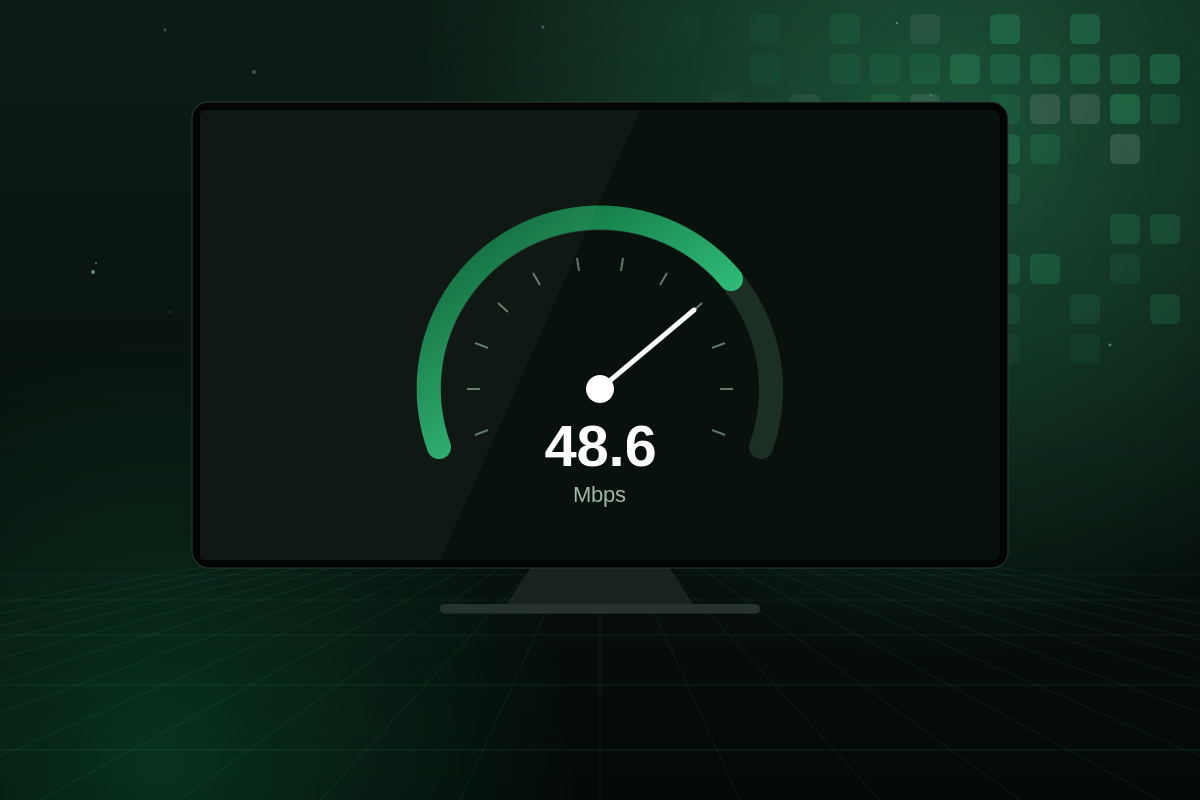
See how live channels behave on your connection at the hours you normally watch.
Look for the networks, sports and international channels your household cares about.
Open a few movies and episodes and test pause, resume and skipping ahead.
How it works
Tap the button and tell us your device and state. The message is already started for you.
We send temporary login details and setup steps for the best app on your device.
Use Pixlar8k as you normally would. Like it? Pick a plan. If not, there is nothing to cancel.
Trial tips
Trial FAQ
It is short on purpose: long enough to check the channels you care about, the picture and the app on your device. We confirm the exact length when we send your trial login.
No. The trial is free and requested on WhatsApp. We never ask for payment details to start one.
The real service on your own screen: live channels, the program guide and on-demand titles, in whatever quality your device and connection allow.
It just stops. A trial never turns into a paid plan by itself. To keep watching, choose a plan on the pricing page.
Each trial is set up for the device you tell us about. If you are deciding between two devices, mention both and we will advise you which to test.
Skip the trial and pick a plan. We will set you up in the same WhatsApp chat.