Key points
- Most live TV is broadcast in HD or Full HD
- 4K needs a 4K source, a 4K device and about 25 Mbps
- Live 8K broadcasting barely exists yet
TV boxes and streaming services love big resolution numbers, and the labels can be confusing. Since our name is built around the pixel, it seems only fair to explain what those numbers really mean, and what you can realistically expect from IPTV today.
Resolution is just a pixel count
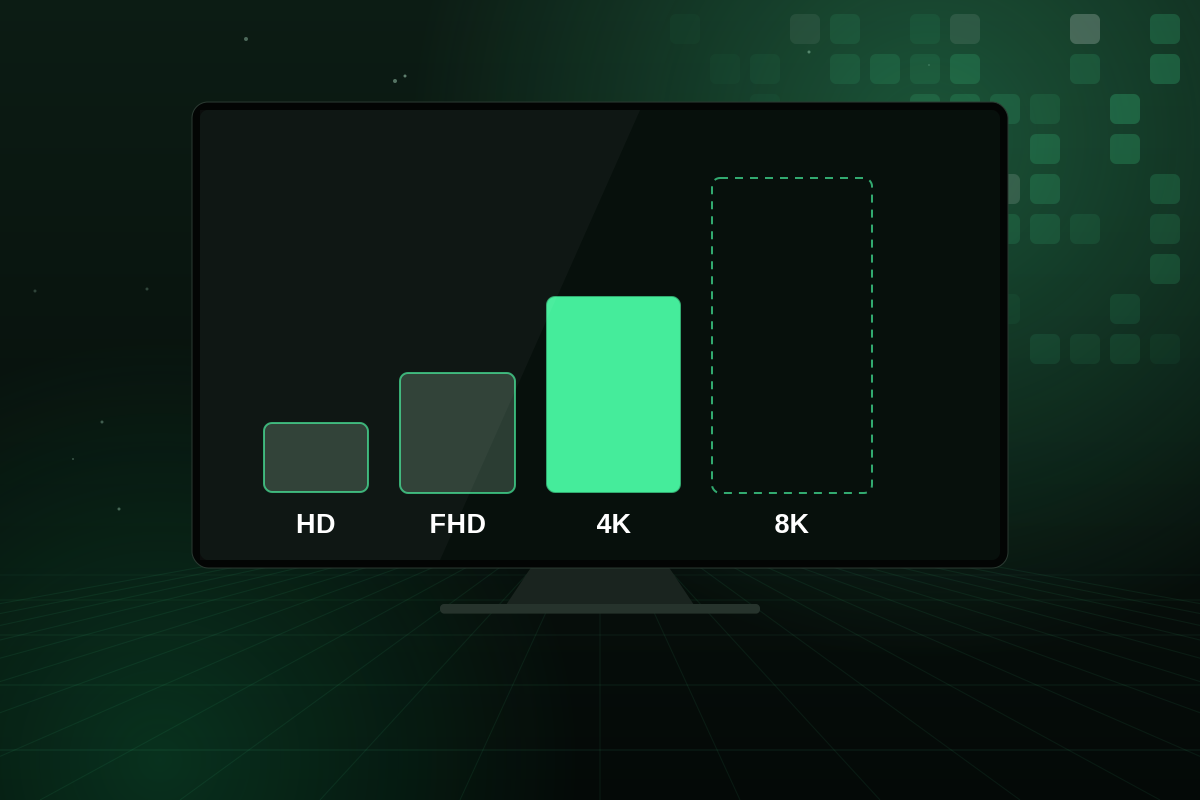
Every TV picture is a grid of tiny dots called pixels. Resolution tells you how many there are:
| Name | Grid | Pixels |
|---|---|---|
| HD (720p) | 1280 × 720 | about 0.9 million |
| Full HD (1080p) | 1920 × 1080 | about 2.1 million |
| 4K UHD (2160p) | 3840 × 2160 | about 8.3 million |
| 8K UHD (4320p) | 7680 × 4320 | about 33.2 million |
More pixels mean finer detail, but only if the original picture was filmed and broadcast at that resolution. A 4K TV showing an HD channel is still showing an HD picture, just scaled up.
What live TV is actually broadcast in
Most US networks broadcast in 720p or 1080i, and most cable channels in 1080i or 1080p. A growing number of big sports events and some specialist channels are produced in 4K. That is why Pixlar8k describes its streams as HD and Full HD across the line-up, with 4K wherever the source provides it.
When 4K is worth it
4K makes the biggest difference on large screens, roughly 55 inches and up, and on content made in 4K such as major sports events and recent movies. To watch 4K you need all three of these:
- a 4K channel or title from the source;
- a 4K TV and a 4K-capable device, such as a Fire TV Stick 4K, Google TV streamer or Apple TV 4K;
- about 25 Mbps or more, measured on that device. See our speed test guide.
Why live 8K is not here yet
8K TVs are on sale, but there is almost nothing to watch on them live. Hardly any broadcaster produces 8K, the few trial broadcasts have been limited to special events, and an 8K stream needs roughly 50 to 100 Mbps. Any provider claiming its whole line-up is in 8K is not telling the truth.
So why is 8K in our name? Because it is the direction picture quality is moving, and it reminds us to push for the best stream each channel can deliver. When 8K live TV becomes real, we intend to be ready. Until then, we would rather be honest about it.
Resolution is not everything
Bitrate, frame rate and HDR often matter as much as pixel count. A well-encoded 1080p stream can look better than a starved 4K one. Smooth 60-frames-per-second sport, correct colour and a stable connection are what make a picture feel premium.
Getting the sharpest picture
- Use a cable or strong 5 GHz Wi-Fi to the TV.
- Turn on frame-rate matching on Fire TV, Google TV or Apple TV.
- Switch the TV picture mode from "Vivid" to "Standard" or "Filmmaker".
- Pick the 4K version of a channel only when your setup can sustain it.
Want to know whether your TV and connection can handle 4K? Ask us on WhatsApp, or test it during a free trial.